
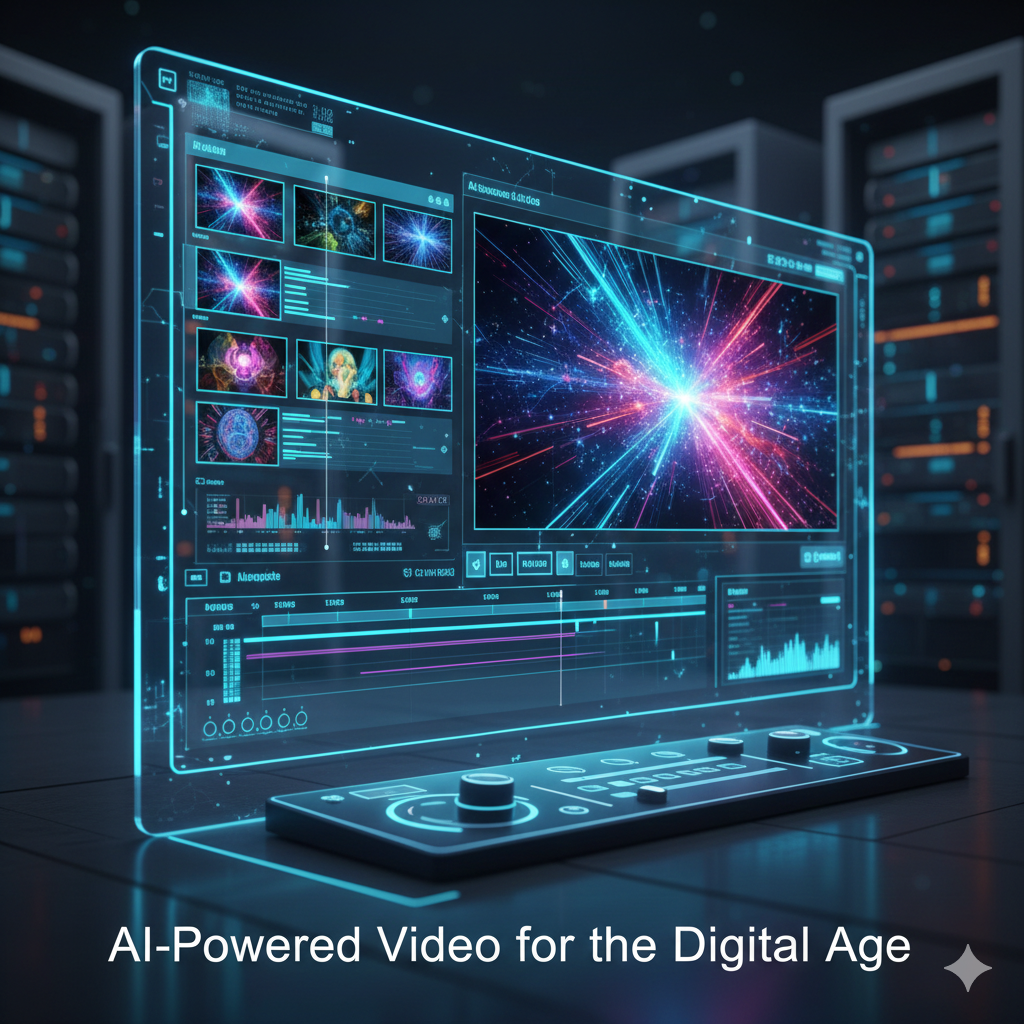
In today’s digital world, video content has become the most powerful way to communicate, market, and educate. However, traditional video creation often requires expensive cameras, studio setups, lighting, actors, and editing skills. For many businesses, creators, and startups, this can be time-consuming and costly.
Thanks to Artificial Intelligence (AI), creating professional-quality videos without using a camera is now not only possible but incredibly easy. AI tools allow anyone to generate engaging videos using text, voice, avatars, stock visuals, and automation. In this blog, we’ll explore how you can create high-quality videos without a camera using AI, step by step.
Why Camera-Free Video Creation Is Growing
Camera-less video creation is becoming popular for several reasons:
- No need for expensive equipment
- Saves time and production costs
- Perfect for faceless content and introverts
- Ideal for businesses, educators, and marketers
- Easy to scale and automate
AI removes the technical barriers, allowing creators to focus on ideas and storytelling rather than production.
Step 1: Start With an AI-Written Script
Every professional video begins with a strong script. AI writing tools can generate video scripts in seconds based on your topic, audience, and tone.
You can create:
- Explainer video scripts
- YouTube video scripts
- Reel or short-form video scripts
- Product demo scripts
Simply enter your topic, and AI will structure the introduction, main points, and conclusion. You can customize the language to be formal, conversational, or promotional depending on your goal.
Step 2: Use Text-to-Video AI Tools
Text-to-video tools convert your written script into a complete video automatically. These tools select visuals, animations, transitions, and scenes based on your text.
Key benefits:
- No filming required
- Automatic scene generation
- Professional templates available
- Fast video creation
You just paste your script, choose a style, and the AI generates a video that looks professionally edited.
Step 3: Add AI Voice-Overs Instead of Recording Audio
Recording your own voice may not always sound professional, and not everyone is comfortable speaking on camera or using a microphone. AI voice-over tools solve this problem by providing realistic human-like voices.
Features include:
- Multiple languages and accents
- Male and female voice options
- Natural tone and pacing
- Studio-quality sound
You can select a voice that matches your brand personality and instantly apply it to your video.
Step 4: Create Videos Using AI Avatars
AI avatars are digital presenters that speak your script naturally, just like a real person. This is perfect for businesses, trainers, and educators who want a human touch without appearing on camera.
AI avatar videos are widely used for:
- Corporate presentations
- Online courses
- Product explanations
- Social media marketing
You can choose an avatar, upload your script, and the AI generates a professional talking-head video without filming.
Step 5: Enhance Videos With AI Visuals and Stock Media
AI tools automatically add relevant images, video clips, icons, and animations to match your content. You don’t need to search for stock footage manually.
AI ensures:
- Visual consistency
- Smooth transitions
- Professional layouts
- Brand-friendly design
Some tools even allow you to upload your logo, brand colors, and fonts to maintain brand identity.
Step 6: Edit and Optimize Using AI
AI video editors make editing extremely simple. Instead of complex timelines, you can edit videos by editing text.
AI can:
- Remove silences and pauses
- Auto-generate subtitles
- Resize videos for different platforms
- Improve pacing and flow
With one click, you can convert a long video into YouTube Shorts, Instagram Reels, or TikTok formats.
Step 7: Export and Publish Everywhere
Once your video is ready, AI tools let you export it in high resolution for different platforms such as:
- YouTube
- Instagram
- Facebook
- LinkedIn
- Websites and ads
Some tools also help with video titles, descriptions, and hashtags to improve reach and engagement.
Who Should Use Camera-Free AI Videos?
Camera-free video creation is ideal for:
- Bloggers and content creators
- Small businesses and startups
- Digital marketers
- Coaches and educators
- Social media managers
- Tech and SaaS companies
Whether you’re building a brand, teaching online, or promoting products, AI videos can help you scale content faster.
Benefits of Creating Videos Without a Camera
- Lower production cost
- Faster content creation
- Consistent video quality
- Easy updates and edits
- Perfect for faceless channels
AI empowers creators to produce professional content without technical skills or expensive setups.
Final Thoughts
Creating professional videos without a camera is no longer a future concept—it’s happening now. AI has transformed video creation into a simple, fast, and cost-effective process. With the right tools, anyone can produce high-quality videos that look polished and engaging.For platforms like techcreation.in, AI-powered video creation opens unlimited opportunities to educate, market, and grow digitally. Whether you’re a beginner or a business owner, now is the perfect time to embrace camera-free video creation using AI.